


How to Join Your Hytale Server

Ready to join your Hytale server? This guide shows you how to find your server address and connect to it directly in Hytale, so you can get in game and start playing!
Retrieving your Server IP Address
Navigate to your Hytale servers control panel.
Ensure you're on the Overview page.
Locate the Server Information section.
Find the Dedicated IP Address and save it for later!
Connecting to Your Hytale Server via IP Address
Open the Hytale Launcher.
On the main menu, click Servers.
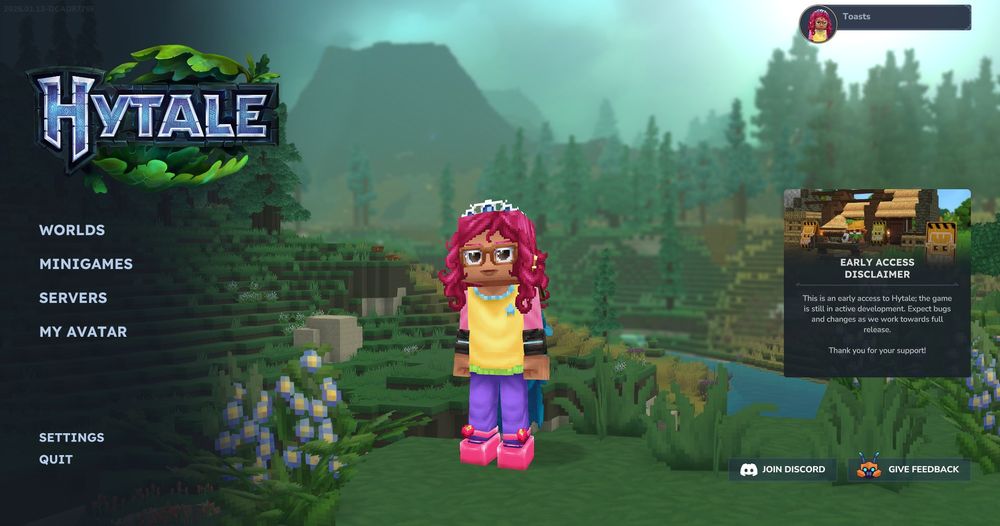
In the bottom right corner, click Add Server.
Place the numerical IP address you retrieved earlier into the Connection Address box.
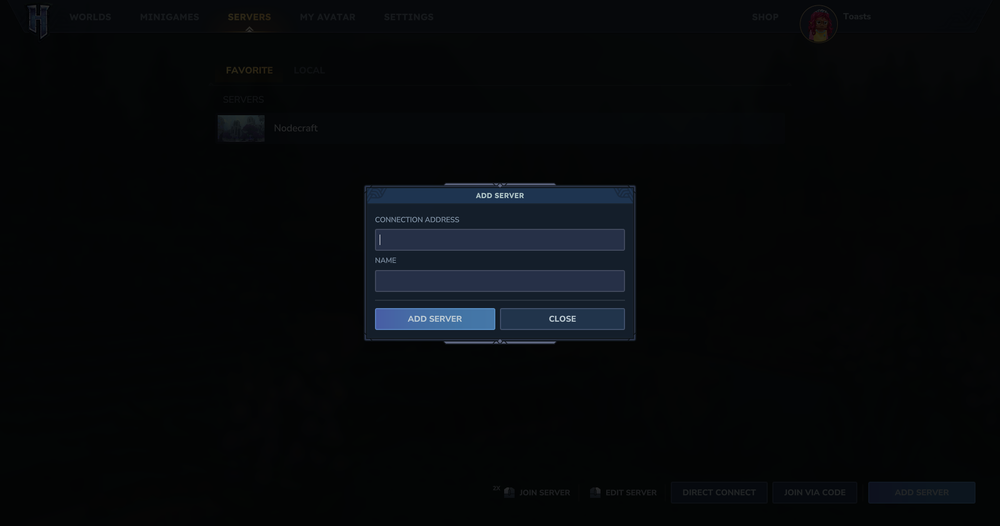
Enter a name for your server entry into the Name box. This is for you to know which server it is!
Click the Add Server button. You should now see the server listed under the Favorite tab.
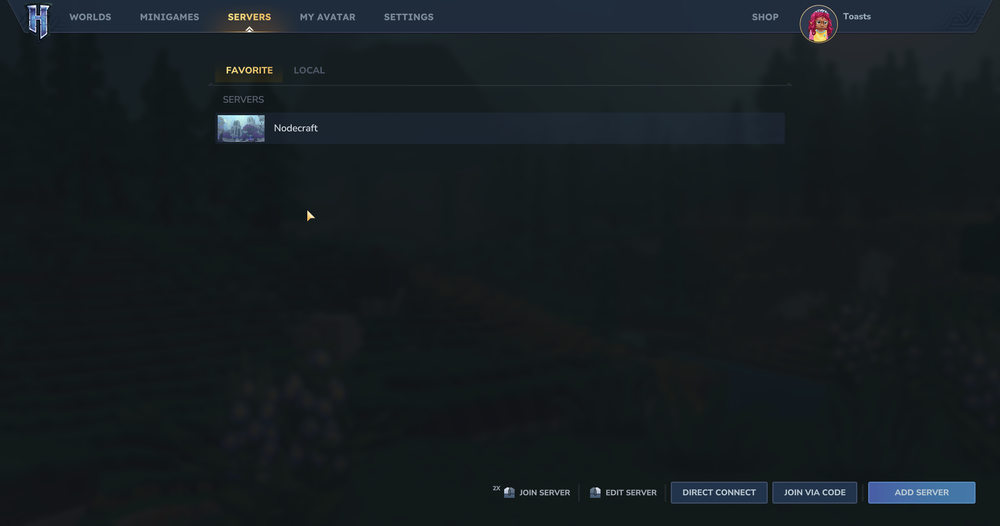
Double click the server entry to connect.
Connecting to Your Hytale Server via Direct Connect
Open the Hytale Launcher.
On the main menu, click Servers.
In the bottom right corner, click Direct Connect.
Enter the numerical IP address you retrieved earlier into the Connection Address box.
Click Connect.
Conclusion
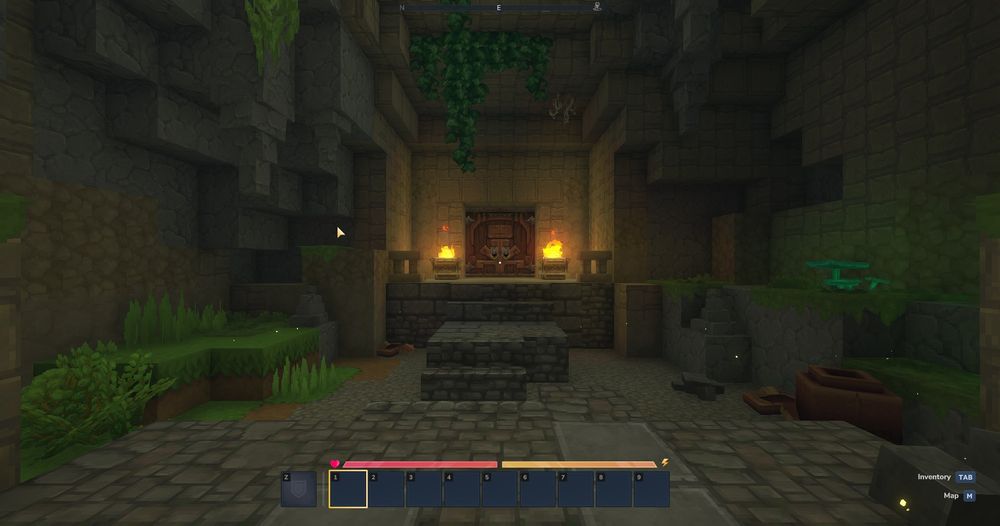
Once you see your server listed, the hard part is over. A quick connect and you’re in. If the server doesn’t show up right away, give it a moment and try again. Servers need a second to wake up sometimes too. From here, it’s all fun and games!
Need Help?
If you have questions or run into any issues, our support team is here to help! Reach out using the support widget on our website or visit our support center for further assistance.