


How to Install Spark on Your Hytale Server

Open your Dashboard.
Locate your Hytale server and click on the Panel button.
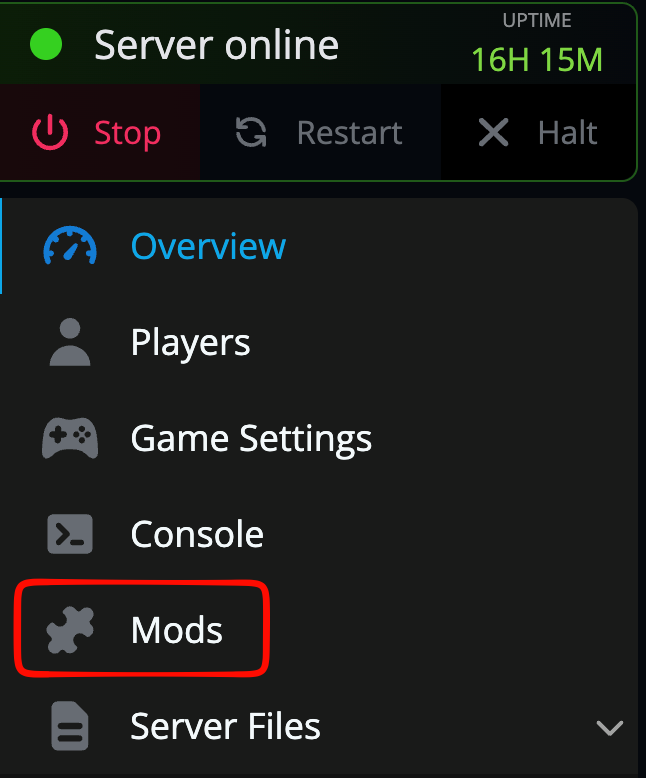
Once on your Hytale server, click on the Mods tab.
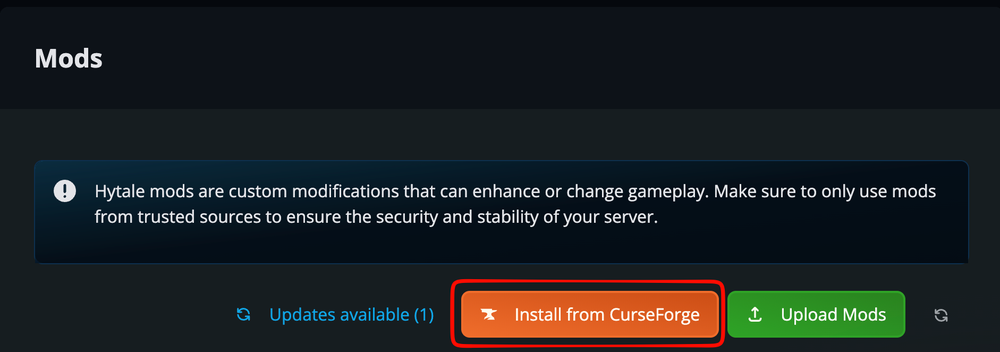
Once on the mods page click on Install from Curseforge.
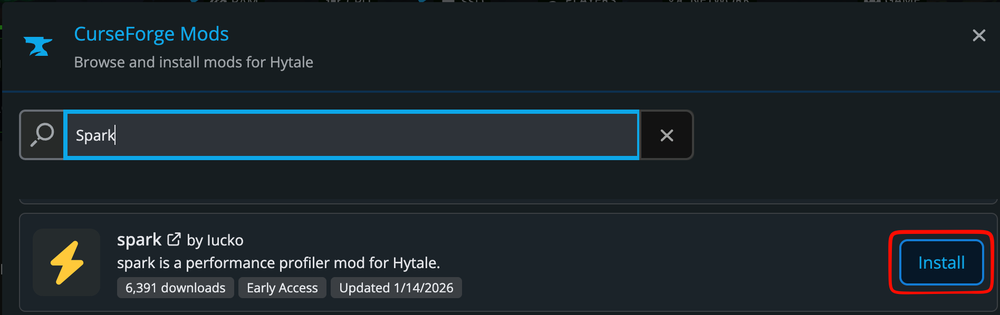
Search for “Spark” and once located, click on install.
Once you see the loading wheel stop spinning and it says Installed you can now go restart your server to load the new mod.
Conclusion
Spark has now been installed on your server. Once the server starts the profiler is started automatically and after a few minutes you can enter spark profiler open in the console which will generate a link to a live view of the profiler data. You can find the full documentation on using Spark here.
Need Help?
If you have questions or run into any issues, our support team is here to help! Reach out using the support widget on our website or visit our support center for further assistance.