


How to Create a New World on a StarRupture Server

In this guide we are going to go over how you can create a new world on your StarRupture server. Creating a new world may be desired if you want to test something without risking your main world or maybe you just want a fresh start.
Starting a New World
Open your Dashboard
Locate your StarRupture server and click on the Panel button.
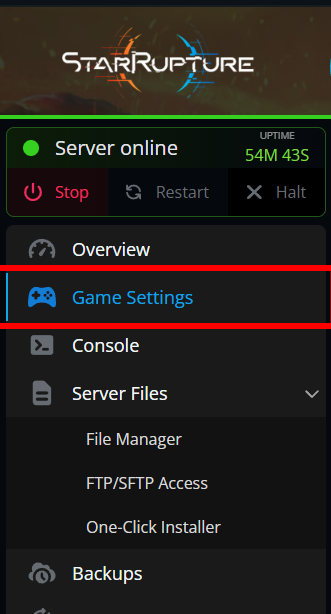
Navigate to your Game Settings.
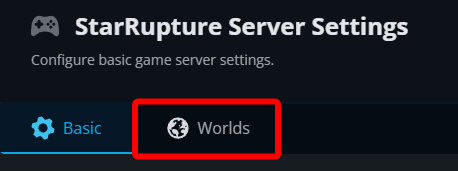
Click on the Worlds tab.
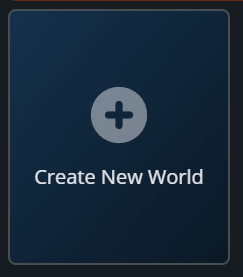
Click on Create New World.
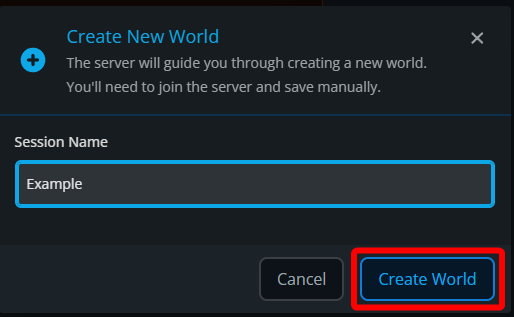
Give the world a name then click Create World.
Once the creation process is started you will need to join your server to continue.
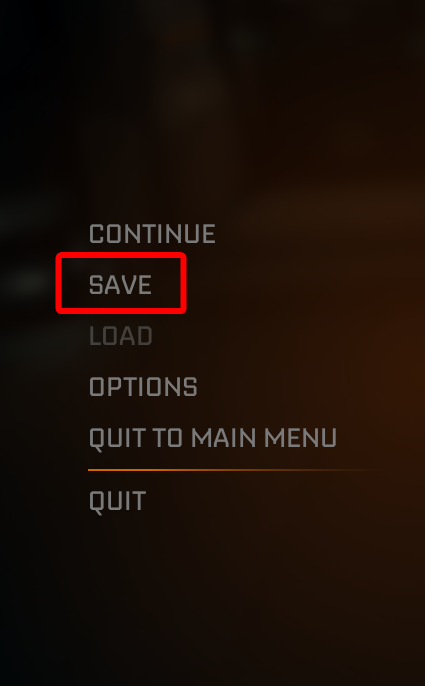
Once you are on your server, hit the escape (Esc) key on your keyboard and click on Save to complete the creation process.
After clicking save, return to your panel and you should see World "<world name used>" created successfully. If you see that message, that confirms the creation process is fully completed.
Conclusion
You have now created a new world for your StarRupture server. If you have more than one world you can now switch between them freely as well!
Need Help?
If you have questions or run into any issues, our support team is here to help! Reach out using the support widget on our website or visit our support center for further assistance.