


How to Add Admins on a WukongMP Server

This guide explains how to add admins to your WukongMP server using the ReadyM Web Panel. Admin access is granted using a player’s GUID, which can be found from the Players tab after the player has joined the server.
Note: The player must join the server at least once before their GUID can be found in the ReadyM Web Panel.
Navigate to your WukongMP server dashboard.
Click Game Settings in the left menu.
Under ReadyM Web Panel Information, open the Hostname Access link.
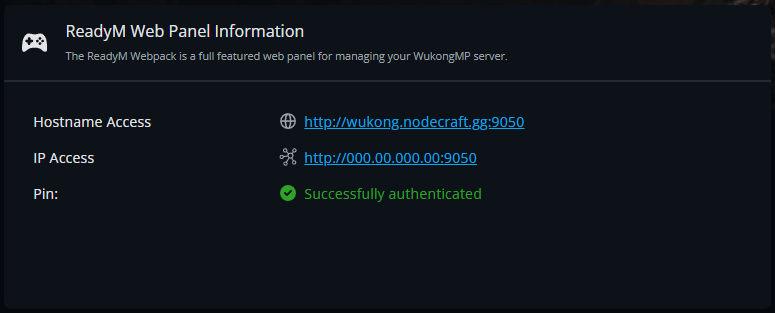
This will open the ReadyM Web Panel for your WukongMP server.
Setting a Player as Admin
If you do not already know the player’s GUID, you can find it from the Players tab after they have joined the server.
Open the ReadyM Web Panel.
Click Players in the left menu.
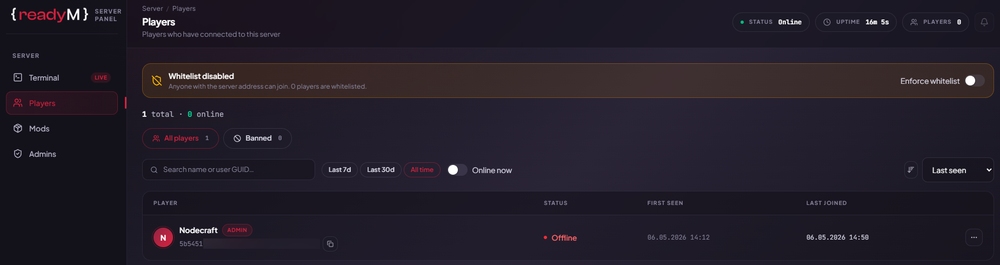
Find the player you want to make an admin.
Copy the GUID shown under their name.
After you have the player’s GUID, go to the Admins tab.

Click Add admin.
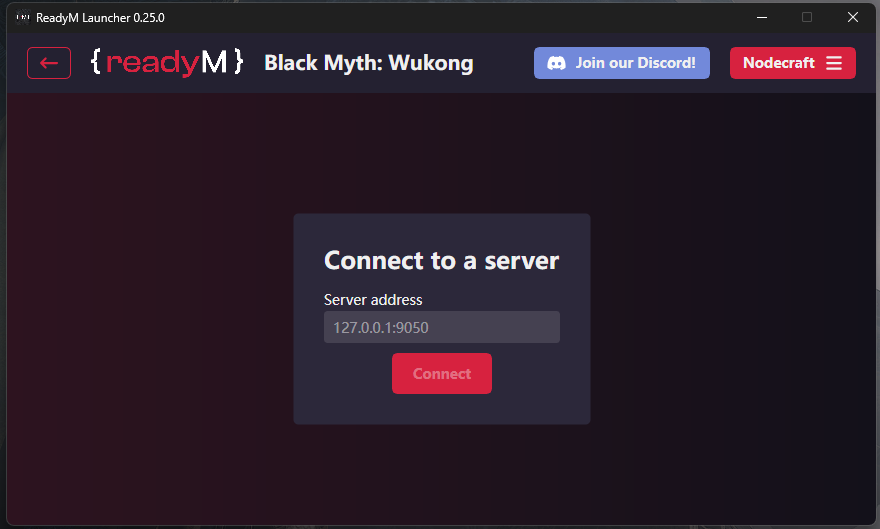
Enter the player’s GUID into the User GUID field.
Click Grant access.
Note: Access is granted immediately, and the player should now appear in the admin list.
Need Help?
If you have questions or run into any issues, our support team is here to help! Reach out using the support widget on our website or visit our support center for further assistance.