


How to Join a WukongMP Server

In this guide we will cover how to join a WukongMP server using the ReadyM Launcher. This allows you to connect to custom multiplayer servers for Black Myth: Wukong using a server address from your Nodecraft dashboard.
Open the ReadyM Launcher.
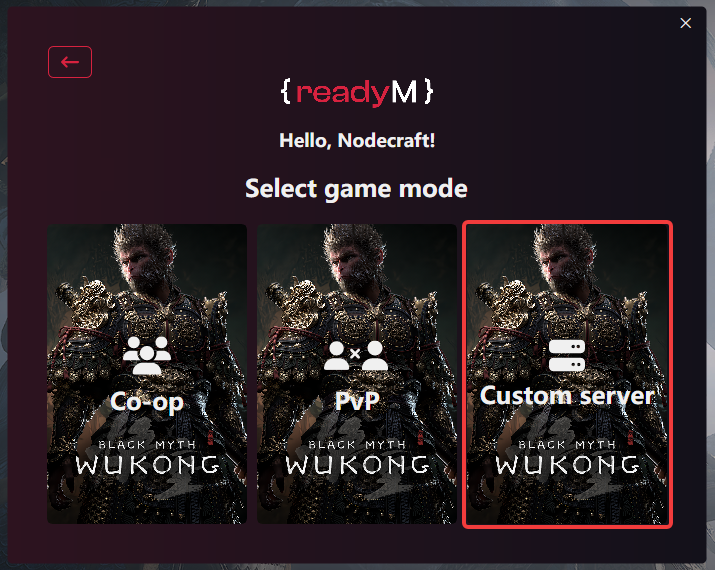
Once the launcher opens, click on Custom Server.
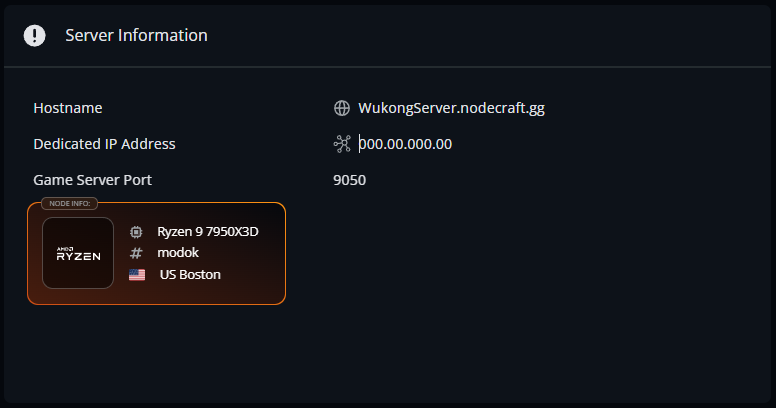
Retrieve the dedicated IP address and port from your Nodecraft server Overview page.
Enter the server address into the Server address field.
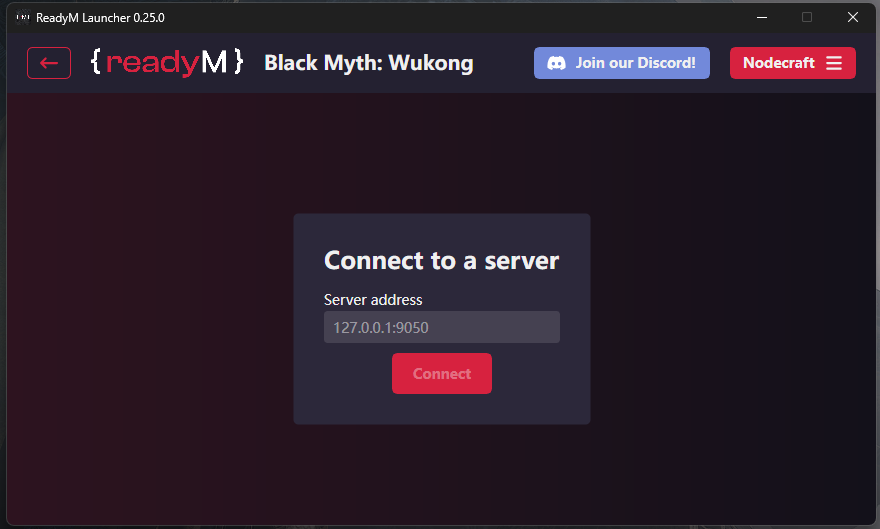
Click on Connect.
Note: After connecting, you should load into the Wukong Multiplayer Mod menu screen.
Choose either New Character or Select Character.
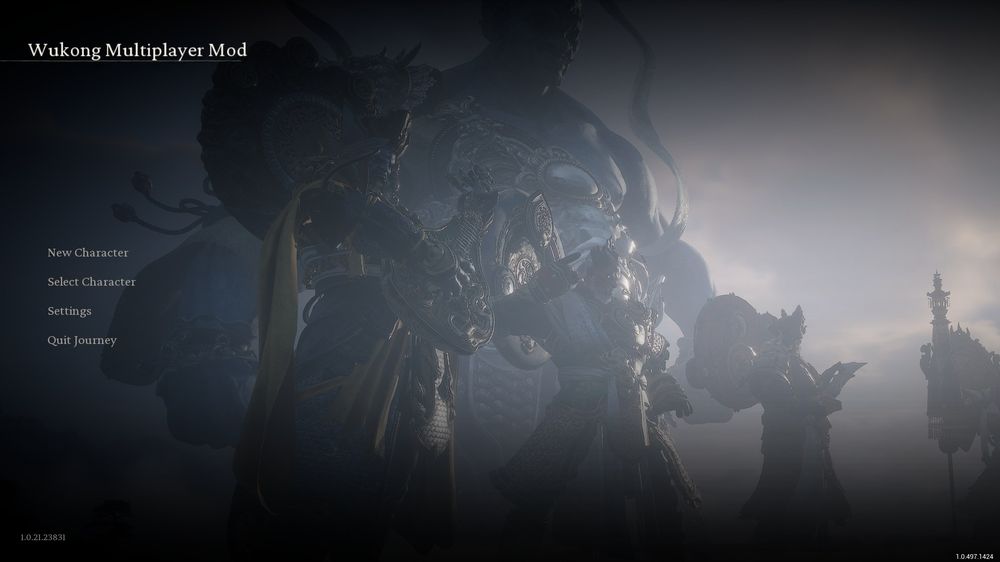 Once your selection is made, you will load into the multiplayer server.
Conclusion
You are now ready to jump into Black Myth: Wukong multiplayer with your friends. From here you can explore together, test builds, cause absolute chaos, or pretend everything is perfectly coordinated. If you run into connection issues, double check that your server is online and that the correct server address was entered into the ReadyM Launcher.
Need Help?
If you have questions or run into any issues, our support team is here to help! Reach out using the support widget on our website or visit our support center for further assistance.